Get the ZIP
Download ipogrid-plugin.zip and keep the archive intact. Sign-in is required; a free IPOGrid account is enough to get started. You do not need to run a local server.
 IPOGrid
Bring live IPO data and thoughtful research workflows into the conversation. Explore a deal, follow the filings, and build a clearer picture of the market.
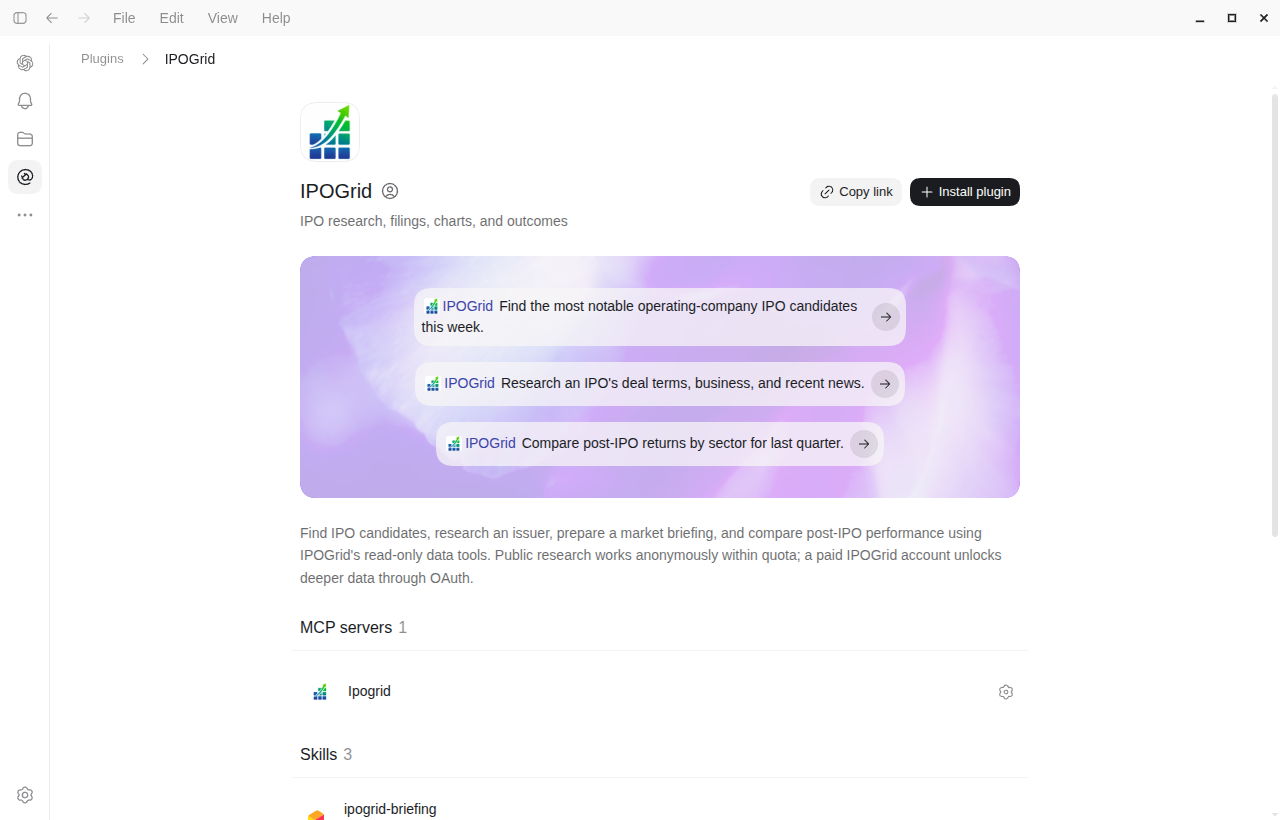
The ZIP bundles the IPOGrid connection with skills for issuer research, market briefings, post-IPO comparisons, and historical study design.
Download ipogrid-plugin.zip and keep the archive intact. Sign-in is required; a free IPOGrid account is enough to get started. You do not need to run a local server.
Open Plugins → Add → Upload plugin archive. Choose the ZIP, review the IPOGrid package, and finish adding or installing it when prompted.
Complete the IPOGrid sign-in prompt, then open a new chat, select or mention IPOGrid, and try a prompt below. The skills guide research; the MCP connection retrieves the data.
Copy a prompt into a new chat with IPOGrid enabled. Replace anything in square brackets with your company, period, or research question.
A short list with a clear reason each issuer matters.
Use IPOGrid to find notable operating-company IPO candidates with activity this week. Show the CIK, stage, latest terms, news, and source dates. Separate SPACs and follow-ons, and explain which facts make each candidate worth watching.
Demand, capital raised, selling holders, and financial context.
Research [company] with IPOGrid. Separate primary capital from selling-holder shares, compare the final price with the last filed range when both are available, and distinguish direct demand evidence from mechanical repricing. Cite the filings and mark unknown financial or supply fields explicitly.
Sector context with dates, samples, and links to the evidence.
Prepare an IPOGrid briefing for [quarter and year]. Compare sector proceeds and final prospectus activity, then summarize available IPO outcomes for trading starts in that quarter. Keep filing activity separate from trading-start cohorts. State sample sizes and link the charts and sources.
The allocation pop and the opening buyer's return differ.
Compare IPOGrid outcomes for [sector and date window]. Show offer-to-first-close, week-one, and current returns separately, with observation dates and missing counts. Explain why offer-based returns are not profits available to an opening-market buyer, and flag any historical identity or offering-cycle gaps.
Holder classes, tranches, conditions, and disclosed release dates.
Use IPOGrid's lockup schedule for [company]. Summarize holder classes, release tranches, quantities and denominators, date anchors, early-release conditions, and source evidence. Label exact versus estimated dates, avoid double-counting tranches, and distinguish eligibility to sell from actual selling.
A defensible cohort and coverage audit before a backtest.
Help design a historical IPO study of [hypothesis] using IPOGrid. Define the cohort, original offering identity, decision cutoff, feature availability, and return basis. Audit missing and delisted coverage before looking at returns. Separate what MCP provides from the external prices and execution evidence required, and propose chronological validation.
The workflows bring practical lessons from IPO research into your chat: a clear source clock, the right offering identity, and a careful reading of what a return actually measures.
A current ticker is not an original IPO identity. Historical research checks the issuer, security, offering cycle, and event date before combining evidence.
Latest terms are useful today. Historical studies need filings and news public before the decision cutoff, with missing evidence kept visible.
An offer-price pop is different from buying at the open. Lockup eligibility is potential supply, not proof that holders sold. The skills preserve those distinctions.
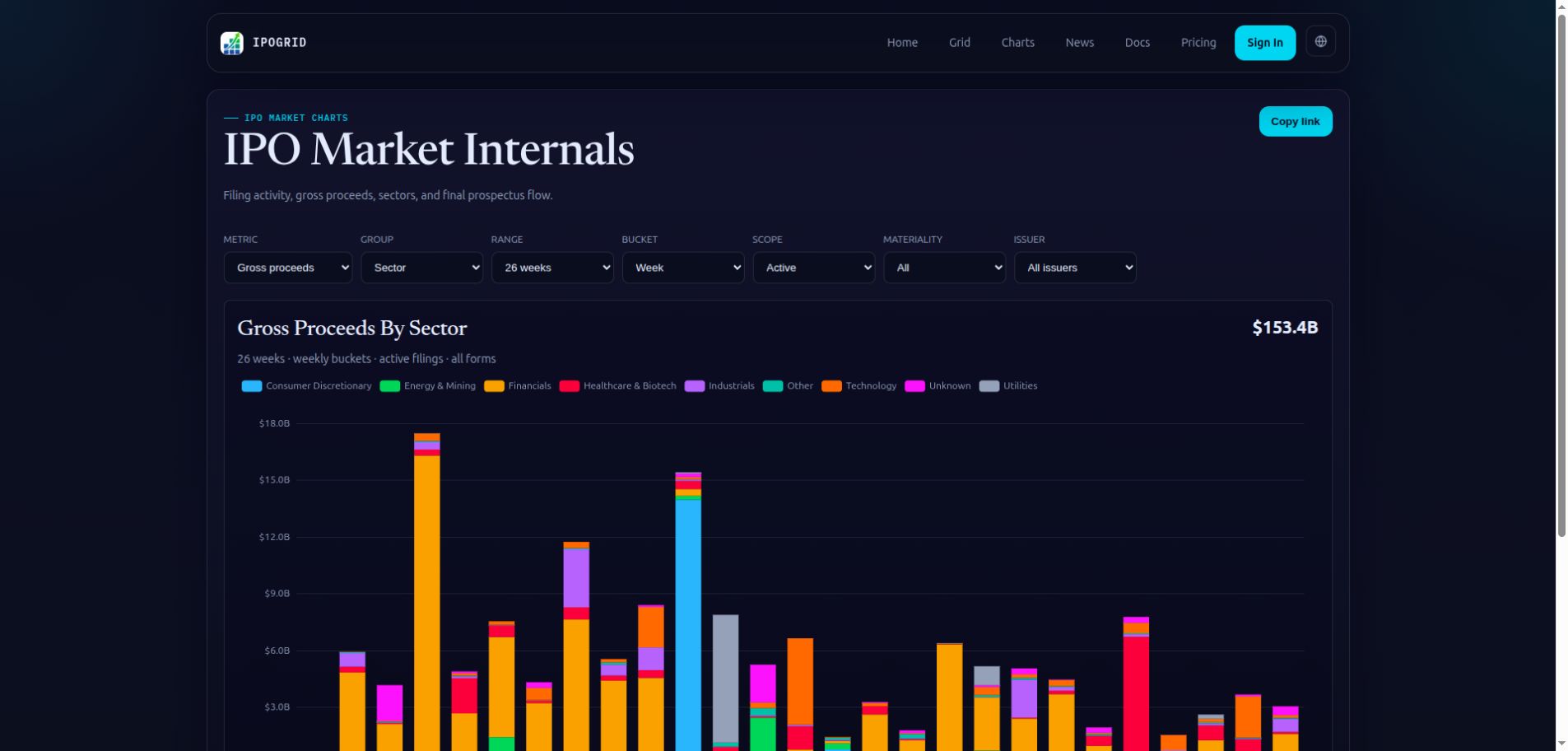
The historical-study skill helps define cohorts and audit evidence. A full backtest still needs suitable historical prices, execution assumptions, and coverage checks beyond the plugin's data.
Sign in with a free IPOGrid account for the public research tier. Existing direct MCP clients can still use anonymous access.
Authenticated access adds restricted research fields and tools.
The current ZIP connects to a sign-in-required endpoint, so ChatGPT can discover OAuth when connecting. A free IPOGrid account is enough for the public tier; sign-in itself does not unlock paid fields. If an older ZIP started anonymously and shows no Authenticate button, replace it with the current package and reconnect in a new chat. Existing clients using the ordinary MCP URL can continue anonymously. Never paste an API key into a chat.
A manifest, one sign-in-required remote IPOGrid MCP connection, and four research skills with a historical-evidence reference. The package has no executable hooks or embedded credentials. Data comes from IPOGrid's hosted service.
Anonymous responses are capped, restricted fields require sign-in, and source coverage varies. Ask the model to show its dates, pagination, and missing-data counts. An absent value is not zero and should not become an invented fact.
IPOGrid's tools are read-only. They do not execute trades, manage positions, create alerts, or publish a report. The plugin supports research and evidence review.
Plugin import availability depends on your ChatGPT version and workspace policy. You can also connect a supported MCP client directly to https://ipogrid.com/mcp. See the connection guide for OAuth and secure API-key configuration.
A company, a quarter, a filing change. Start with the evidence.